Display Activity Images
In the previous posts we displayed continuous achievements and yearly achievements.
To make an activity more memorable display images along the traveled path. For now, we will use images provided by Mapillary a service providing street-level images via API.
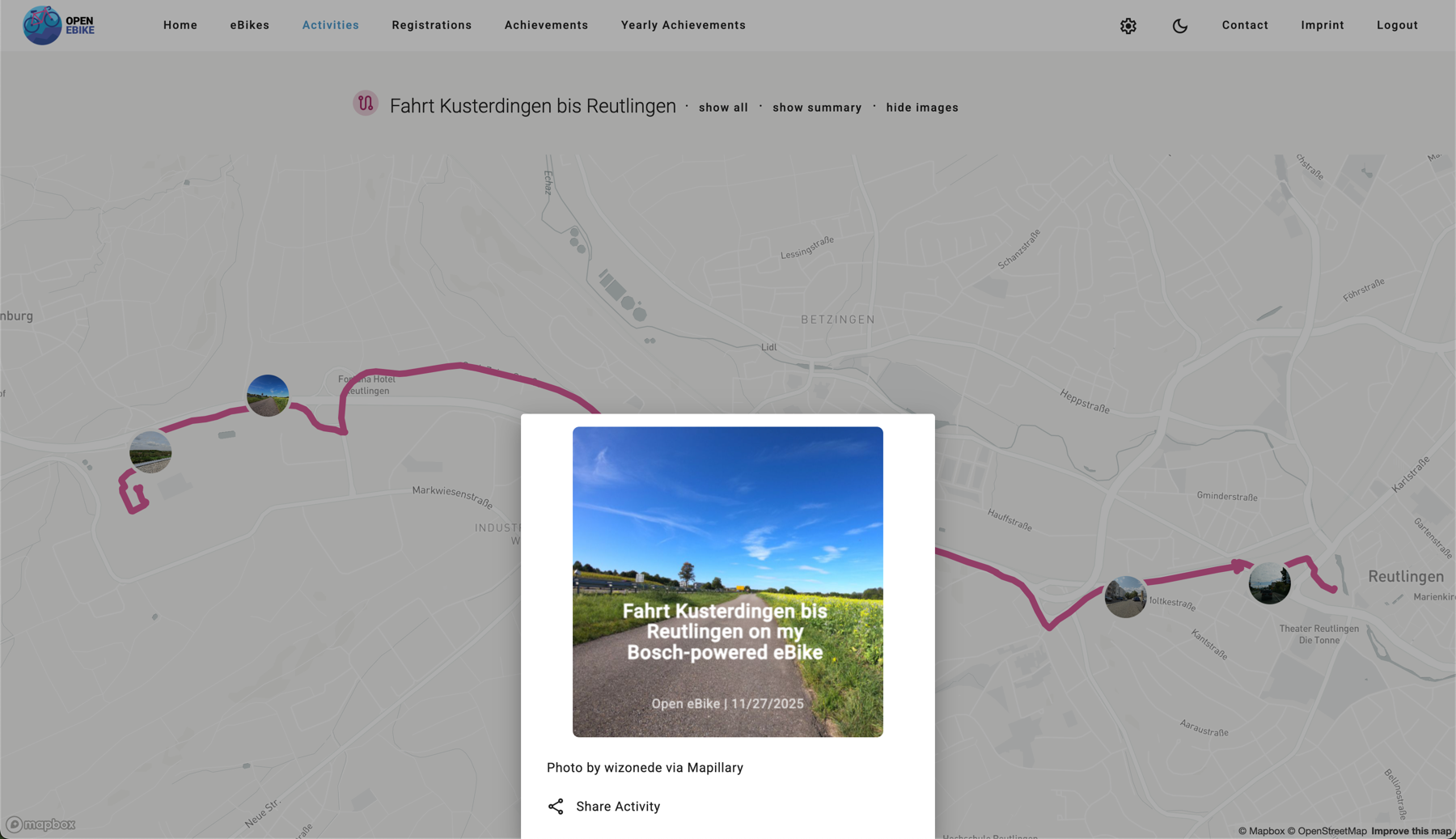
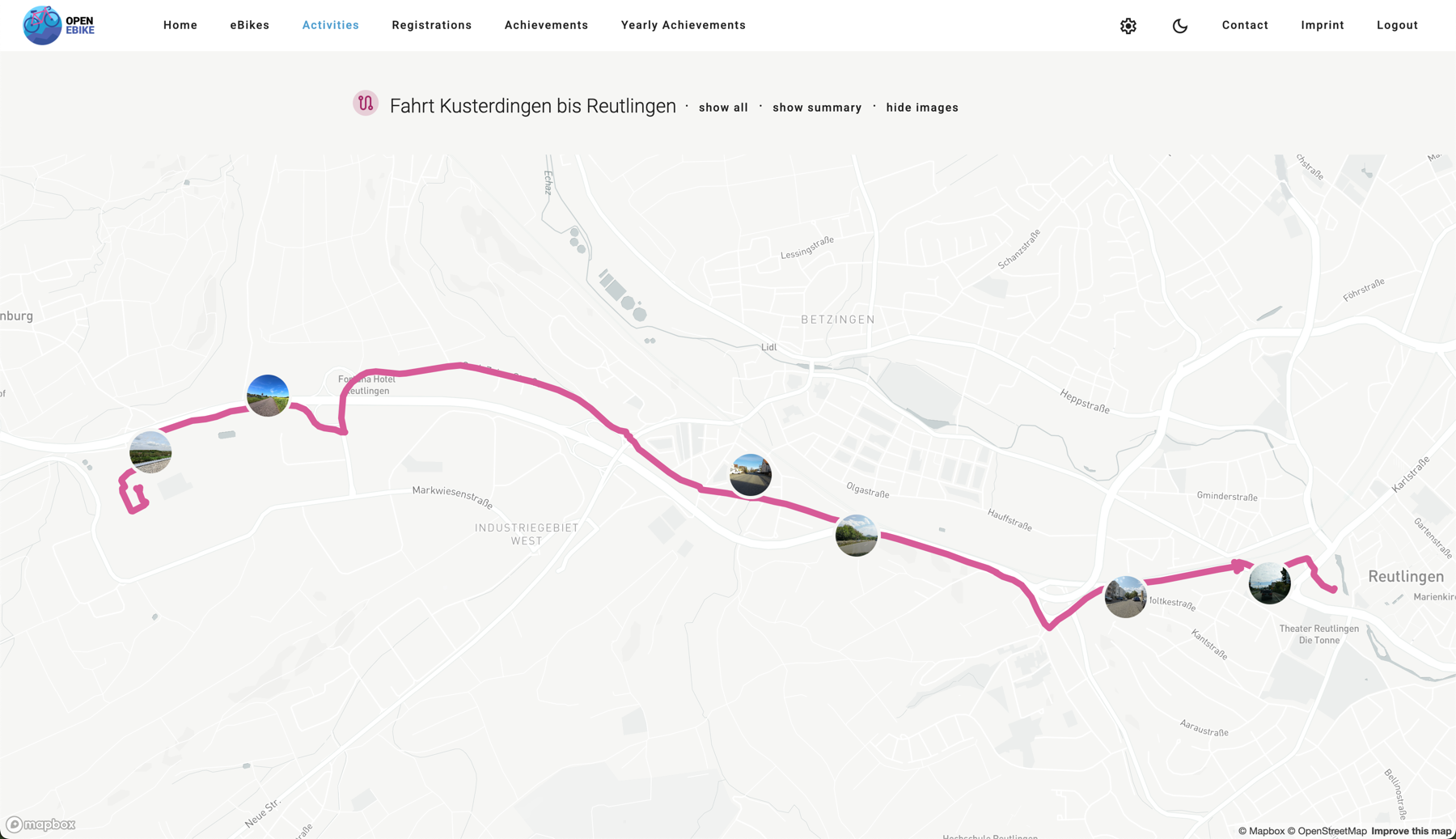
The idea is to identify point on the activity path each few hundred meters. For each point we query the Mapillary API for the closest image. The images are then displayed on the activity map. When the user clicks on one marker they should see a larger version of the image and be able to share it.
To do so we need to
- add a Mapillary service that handles calling the Mapillary API
- add a way to store the Mapillary access token on the config page
- display images on the map as clickable markers
- display images on the side navigation alonside the activity details
- add a bottom sheet to display the share picture
- attribute the Mapillary service
- attribute the creator of the Mapillary image
- add a button to toggle visibility of images
We display images as clickable markers directly on the map.
Similar to the social sharing feature that we introduced in an earlier post we now add a sharing option for images.