Display Yearly Achievements
In the previous posts we displayed achievements and added social sharing.
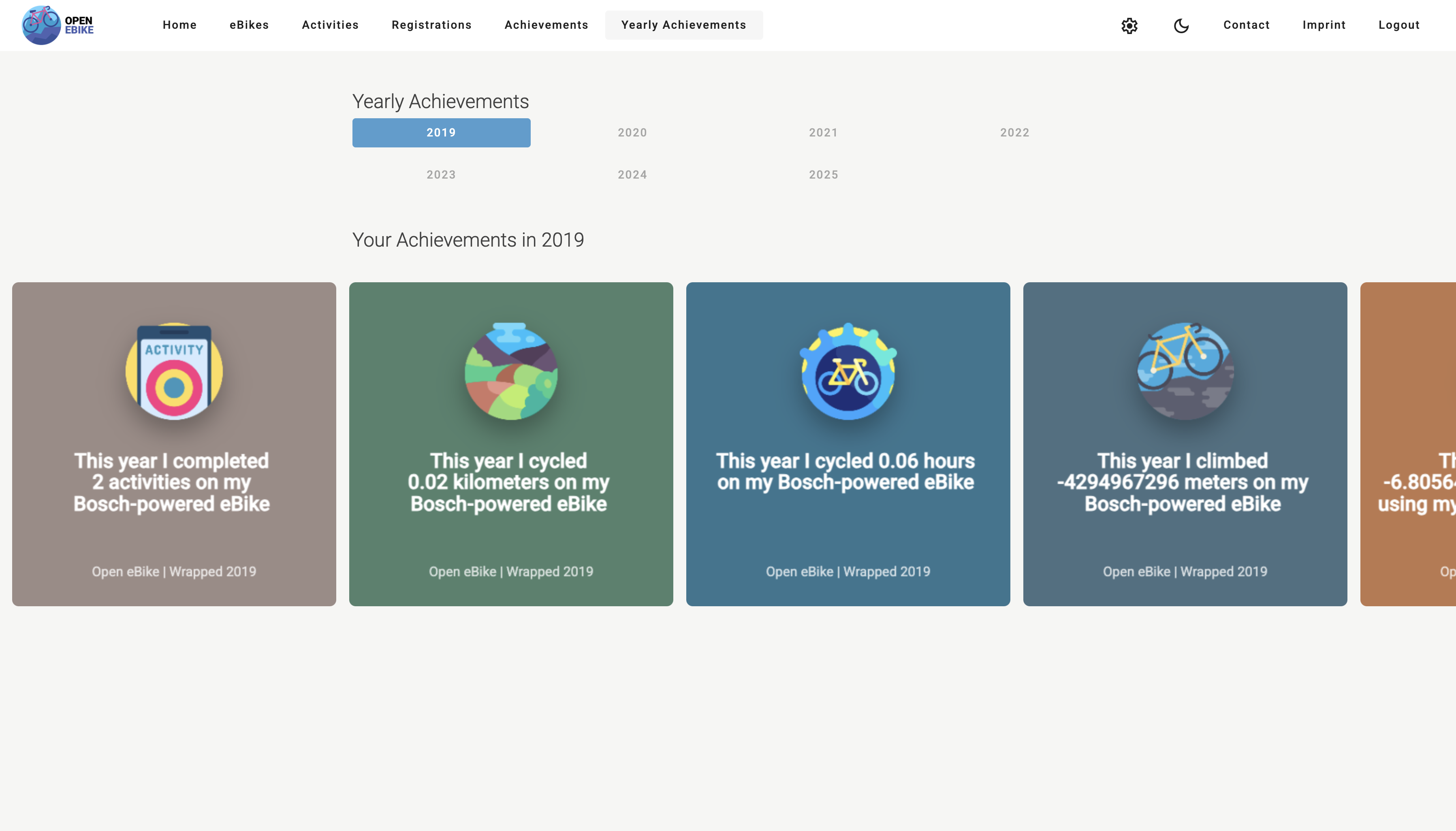
Now let’s add yearly achievements that either sum up values across a year (e.g. total distance travled) or find a maximum (e.g. maximum altitude).
To do so we need to
- add a yearly achievement service that calculates yearly achievements based on activities
- add a yearly achievement page that display yearly achievements
- add a grid component that lists available years
- add the selected year to the URL path
To reuse the sharing feature that we implemented previously we also need to
- add a dedicated share picture service
- add a share picture component
- reuse the share picture component
- add the sharing bottom sheet to yearly achievements
Some sample achievements can be based on
- basic values, e.g. total activity count, total distance, total elevation gain or total calories burned
- based on maximum altitude
- based on total duration
Furthermore, we need to
- add an initialization of yearly achievements
- add an evaluation of yearly achievements
- add a carousel to display yearly achievements
For user convenience, we
- highlight the selected year
- disable selection of year without any activity
- automatically select a year of there is only one with activities
- automatically unselect a year if it has no activities
We display yearly achievements in a carousel so that the user can swipe through them after selecting the year.
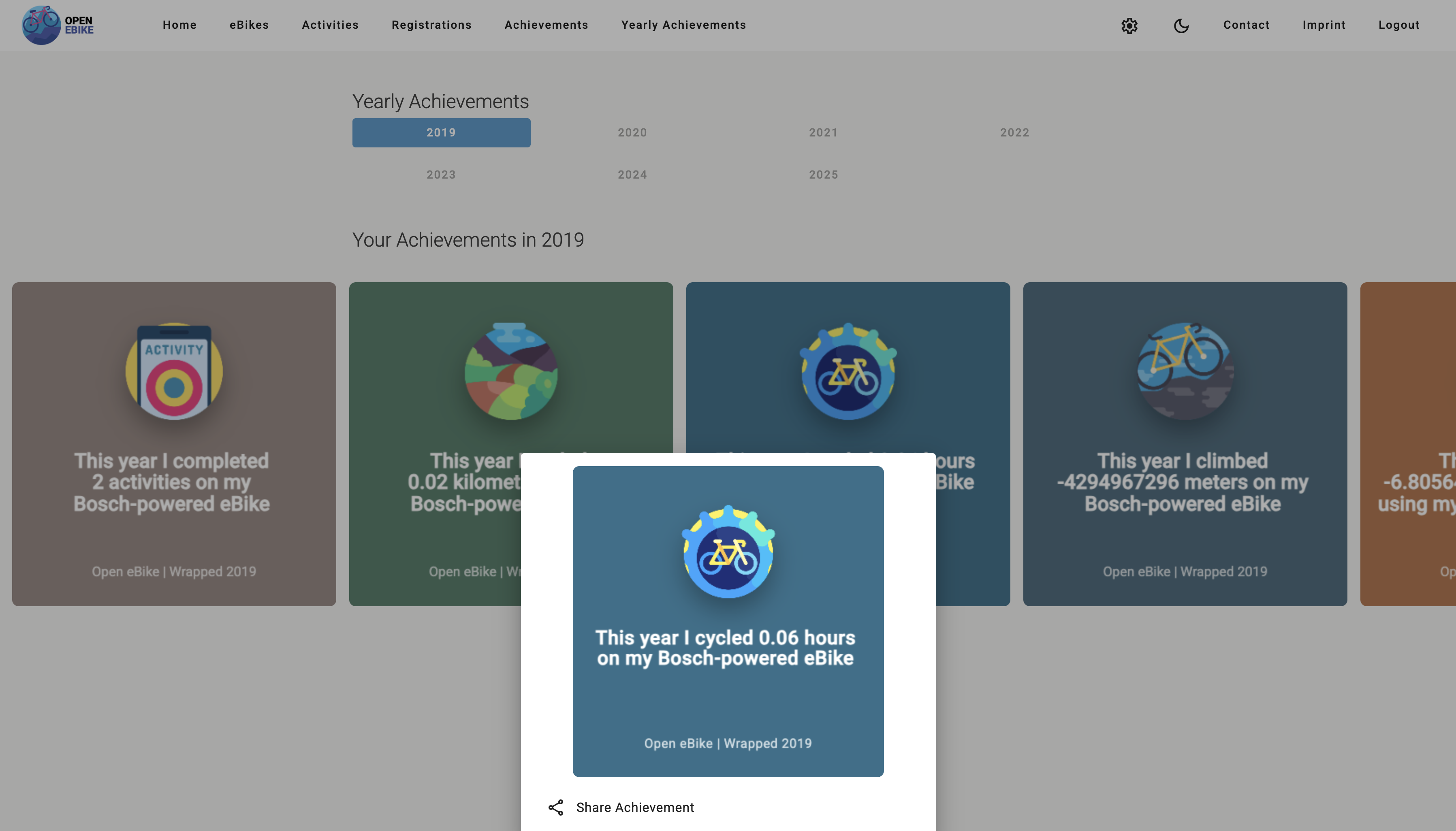
Similar to the social sharing feature that we introduced in the previous post we now add a sharing option for yearly achievements.
In the next post we will display images along the traveled activity.