Cache Fetched Data
Currently, data retrieved from the Bosch eBike System EUDA API is fetched each time the user opens a page. This can lead to long loading times, especially if there is a lot of data to fetch, first and foremost activities. To improve loading times and reduce unnecessary API calls.
The idea is to cache fetched data locally so that subsequent visits to the same page load data from the local cache instead of fetching it again from the API. To accomplish this we will use the IndexedDB available in modern web browsers. We will use Dexie.js a popular wrapper library for IndexedDB that simplifies its usage. Data will be fetched on app start as well as when the user manually triggers a data refresh.
Let’s build a proof-of-concept for the BES3 activity service. To do so we need to
- add caching
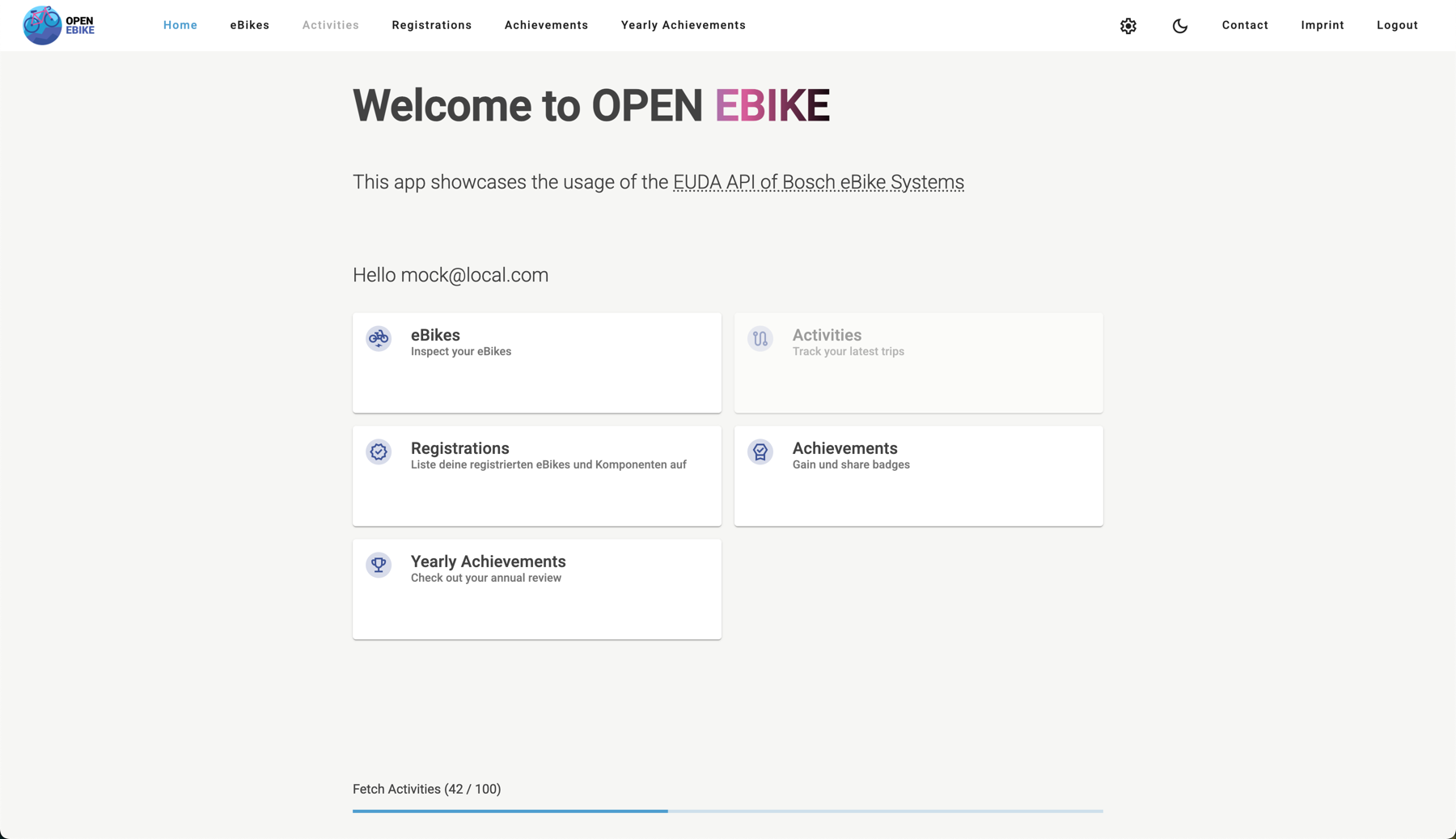
- display a progress bar that indicates how many activities have been cached so far
- disable toolbar links and home page tiles which require data while caching is in progress
- use the cached data instead of calling the API
- display a snackbar when caching is complete
We will repeat the same steps for
- BES3 eBike profile service
- BES3 bike pass service
- BES3 bulk configuration service
- BES3 diagnosis field data service
- BES3 digital service book service
- BES3 eBike registration service
- BES3 release management service
- BES3 remote configuration service
After data is fetched we can reactively calculate
Next, we can add caching to
- BES2 activity service
- BES2 eBike profile service
- BES2 diagnosis event service
- BES2 diagnosis field data service
- BES2 release management service
- BES2 remote configuration service
Similar to BES3 we can calculate the
Last, we add caching to
While fetching data we display a progress bar that indicates how many items have been cached so far. Features that require data are disabled while caching is in progress.