Implement Authentication (BES2)
In the previous post we learned how to authenticate with eBike Connect and how to access our data via REST calls. Now let’s continue with the user authentication with eBike Connect inside our web app.
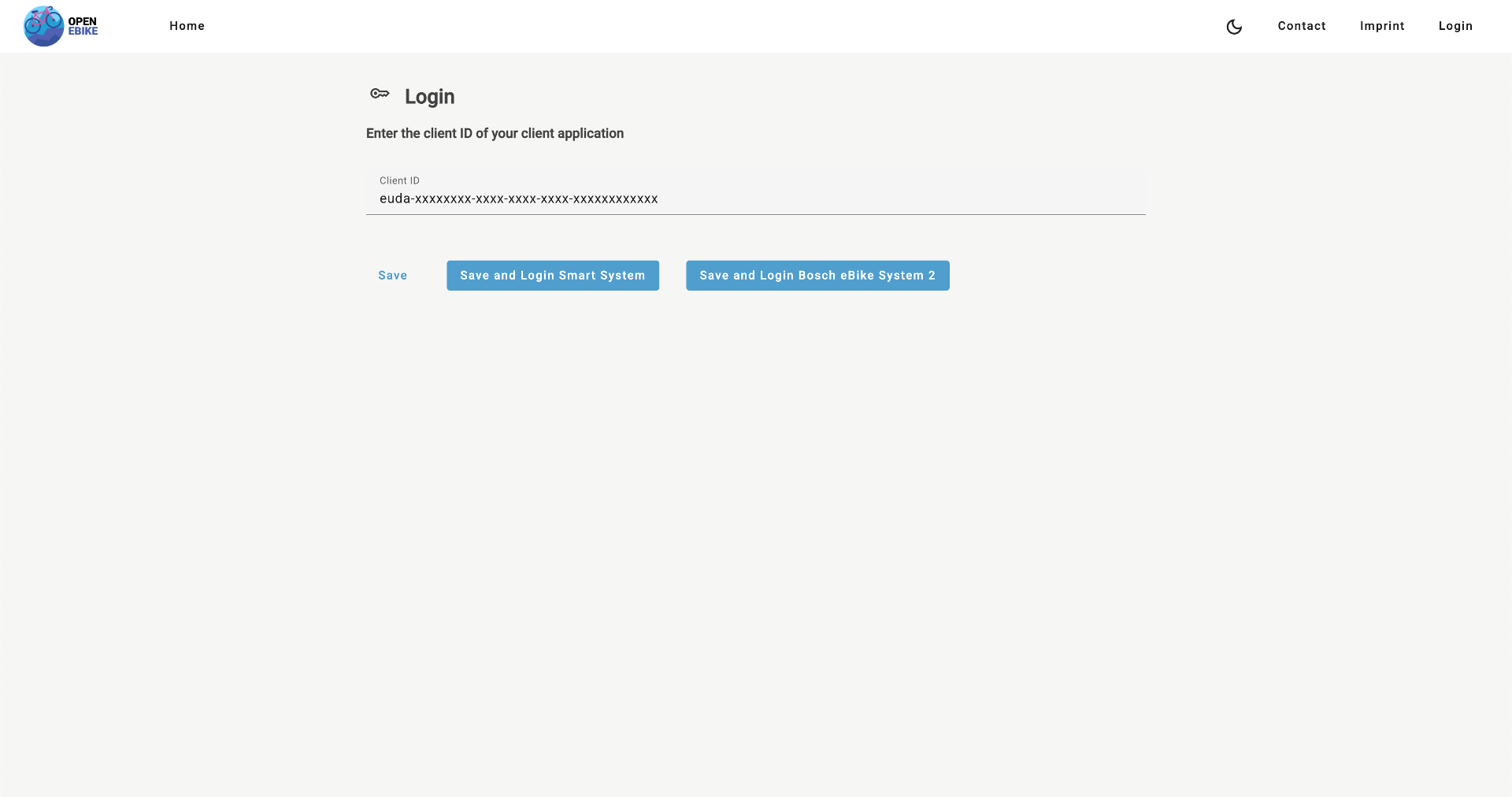
First, let’s extend the authentication to support eBike Connect. To do so we need to adjust the authentication service and add another button to the login page.
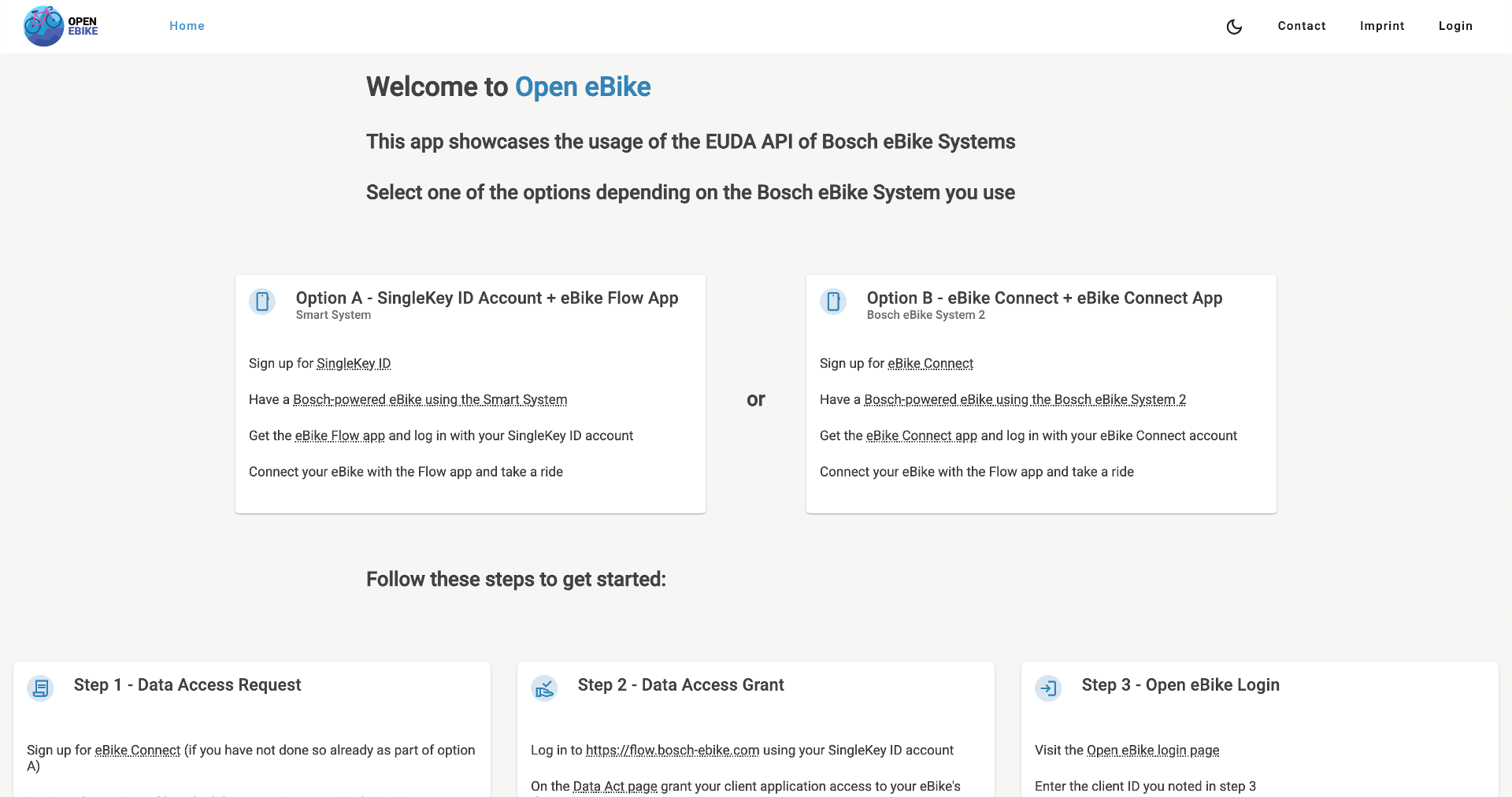
Second, let’s update the onboarding guide to explain the new authentication option.
In the next post we will load and display our first data point.