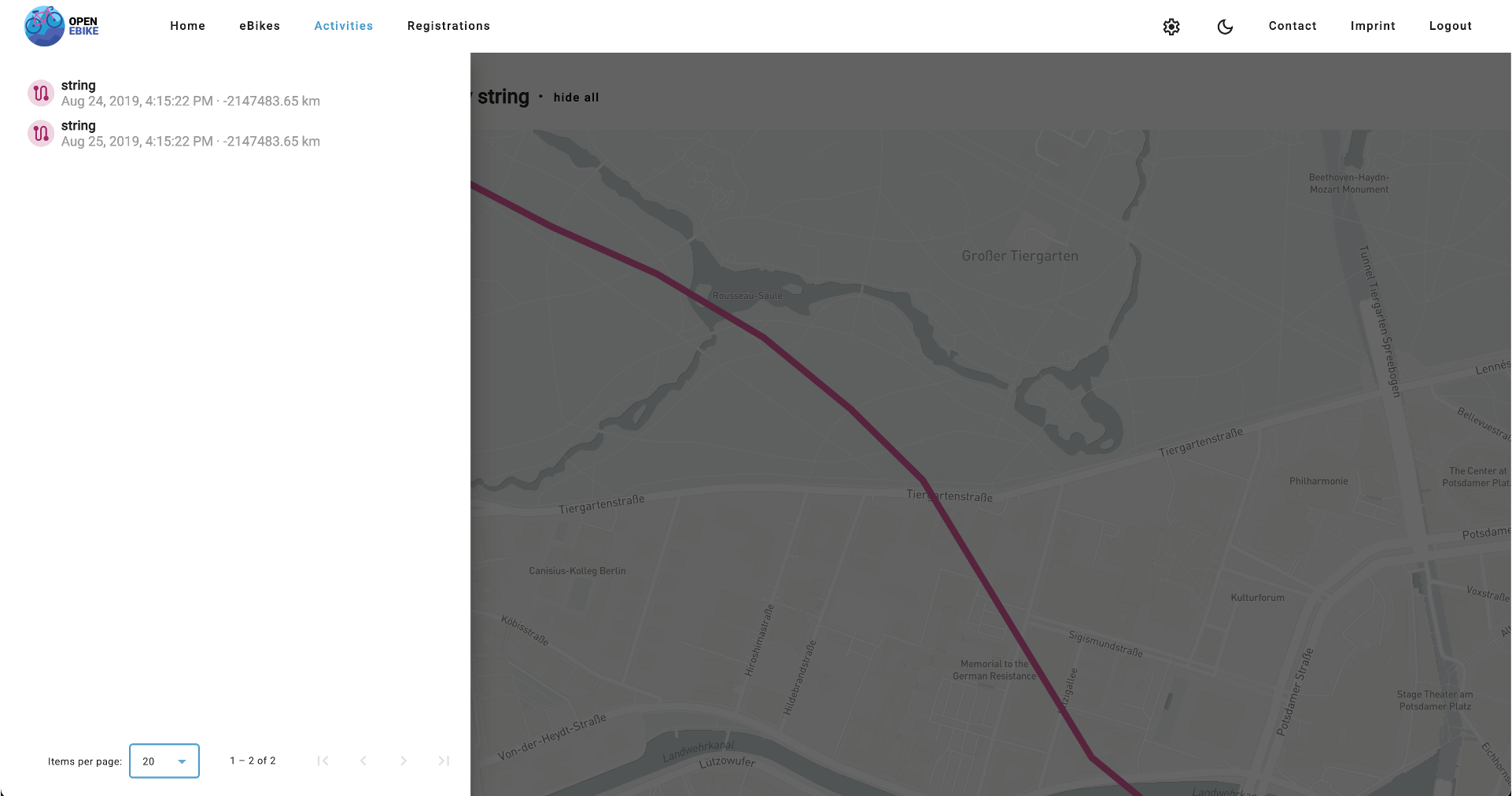
Display Activities on a Map
Our web app can now display all the data that we can retrieve via the EU Data Act API of Bosch eBike Systems. Let’s go beyond that and display activities on a map.
As a map library we use Mapbox which is also used by Bosch eBike Systems in their Flow app. To use Mapbox you need to create a free account and get an access token.
In our web app we need to do the following steps to display activities on a map
- add activity ID as query parameter rather than path parameter so that the page does not reload when selecting an activity
- add a configuration page that lets the user enter their Mapbox access token
- display a map on the activities page
- display an activity on the map
To do so we add a dedicated mapbox service which is able to
- build a geojson based on a list of activity details (which is the data to be displayed on the map)
- build a bounding of a list of activity details (which is needed to zoom to the right area on the map)
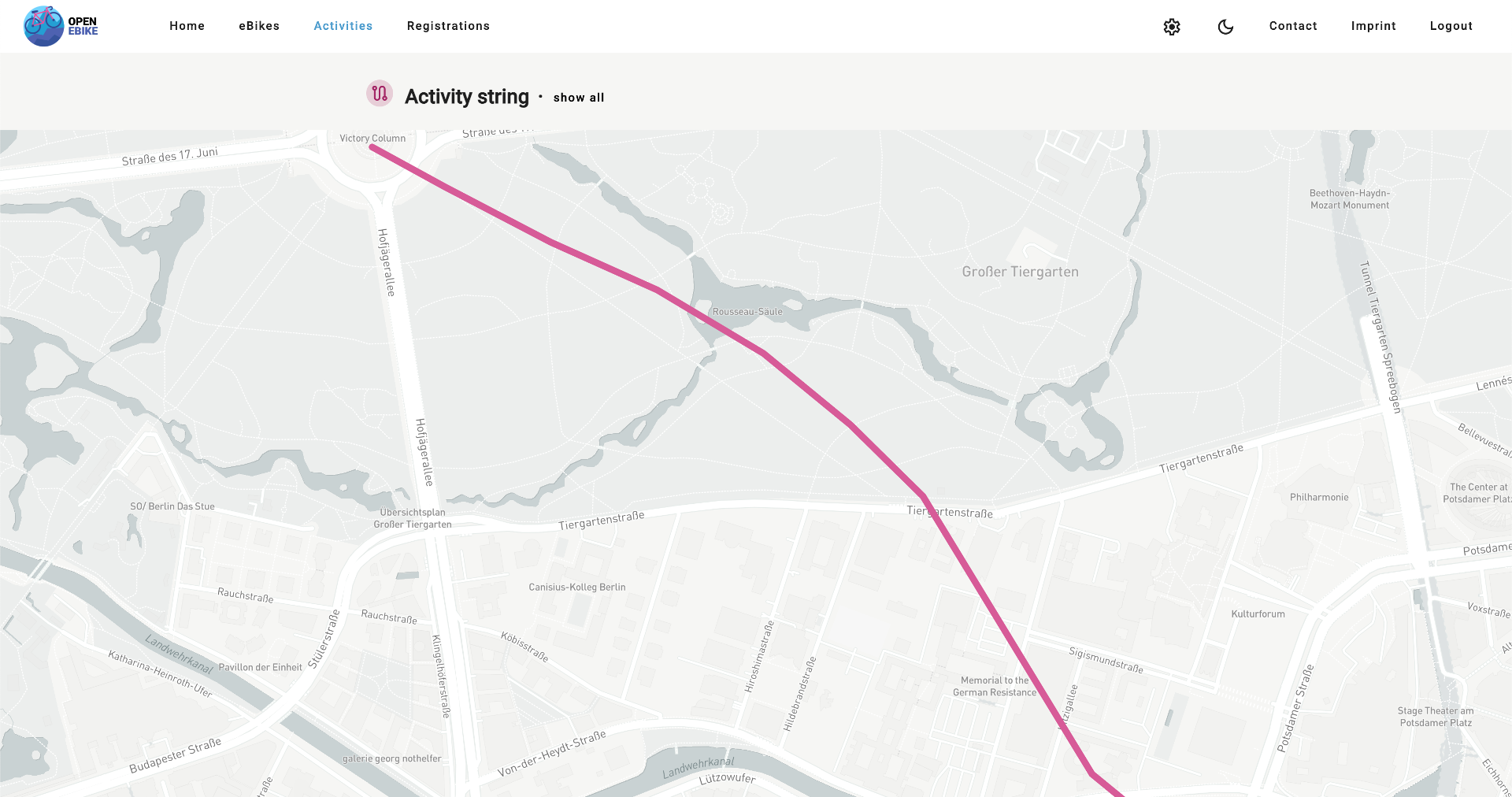
To make this feature visible also when developing the web app locally we need to extend mock data to contain realistic routes.
Finally, let’s add a paginator to the activities page side navigation so that the user can navigate through all activities.