Display Service Book
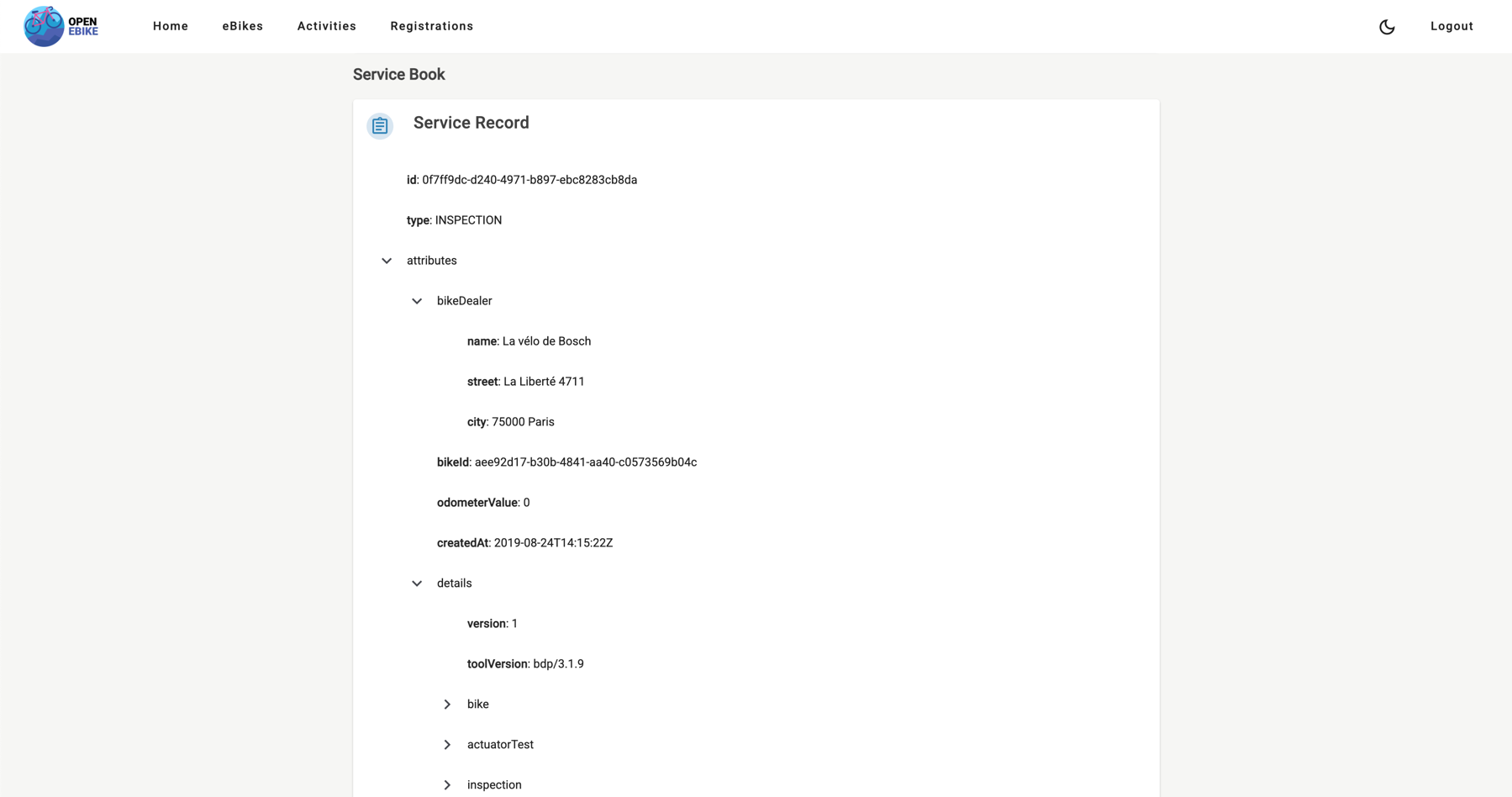
In the previous post we displayed field data associated with a component. Now let’s load the service book associated with an eBike via the Digital Service Book API. To do so we need to
- add a digital service book service to fetch the service book associated with an eBike
- display the service book on the eBike details page
In the next post we will display the remote configuration cases associated with an eBike.