Display Activity Details
In the previous post we displayed all the activities a user has performed. Now let’s load the details of a given activity via the Activity Records API (Smart System) and display them. To do so we need to
- add another endpoint in activity record service to fetch the activity details for a given activity ID
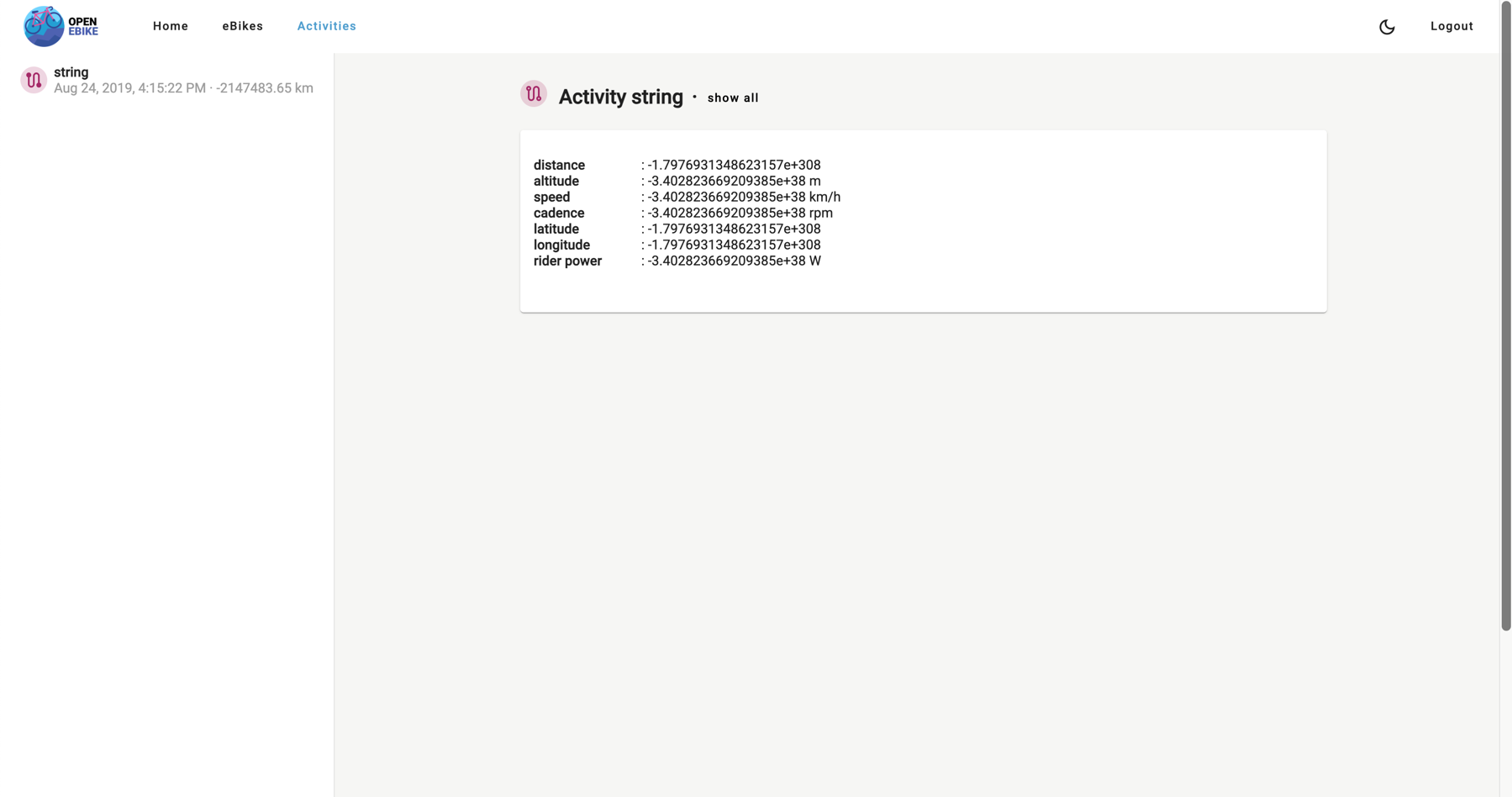
- display activity details in the activities page
To simplify the navigation we move the list of activity summaries to a side navigation bar that can be opened and closed by the user. The details of the selected activity are displayed on the main page.
In the next post we will display all the registrations a user has performed.