Implement Authentication
In the previous post we implemented a frame for our web app that acts as a basis for the data we want to display. Now let’s continue with the user authentication via SingleKey ID.
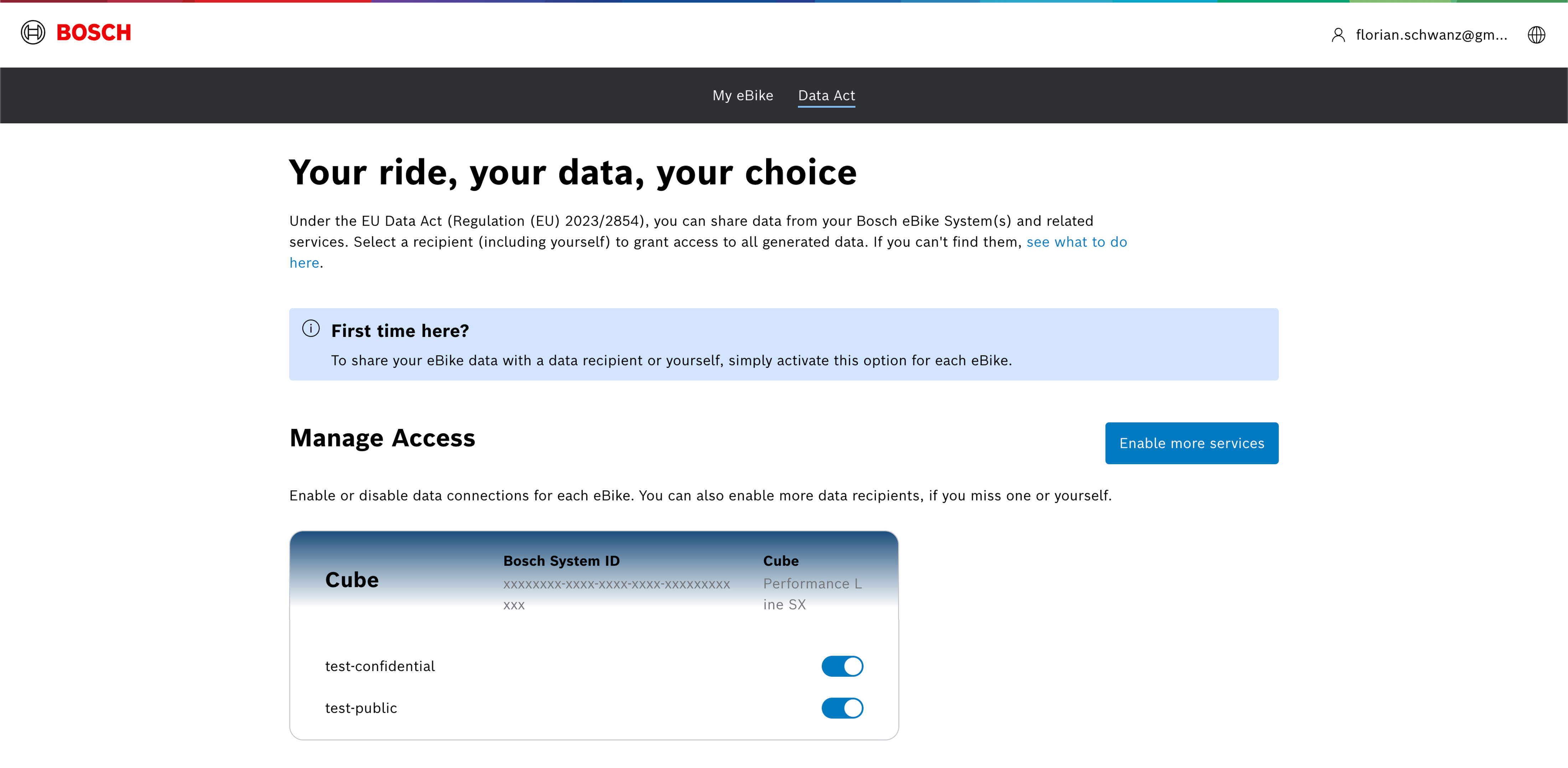
Since our web app is a public client application we will use the OAuth 2.0 authorization code flow with PKCE (Proof Key for Code Exchange) to authenticate users via SingleKey ID. For that we need to register another client application at https://portal.bosch-ebike.com (as described in an earlier post) with the following settings:
- client application name: test-public
- login URL: http://localhost:4200
- redirect URL: http://localhost:4200/*
- confidential client: no
Similar to the confidential client application (as described in an earlier post) we need to grant access to the bike data.
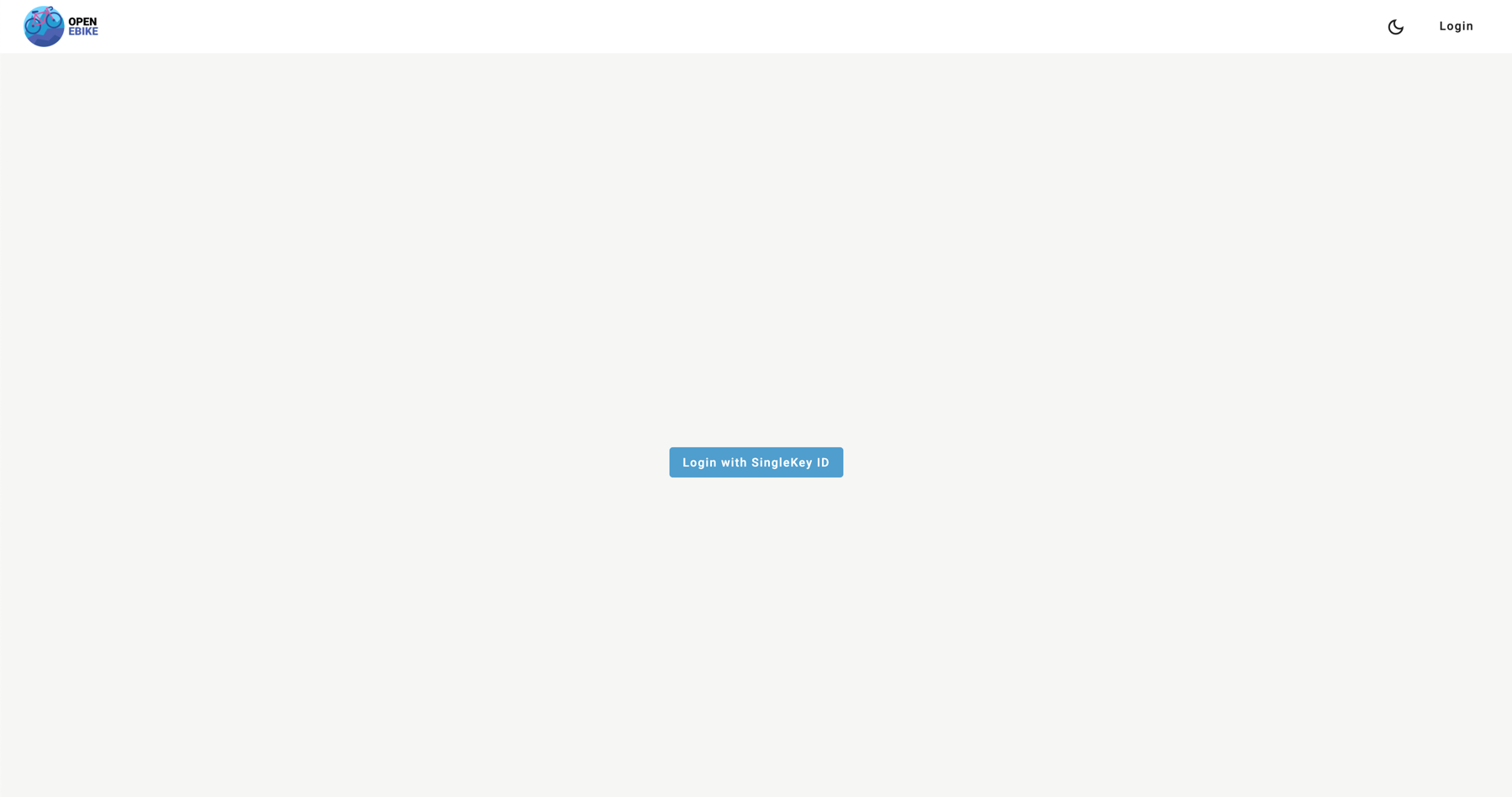
To be able to display user data we will add authentication to our web app including
- an authentication service to utilizes angular-oauth2-oidc and the public client application we just configured
- a way to login and logout in the toolbar
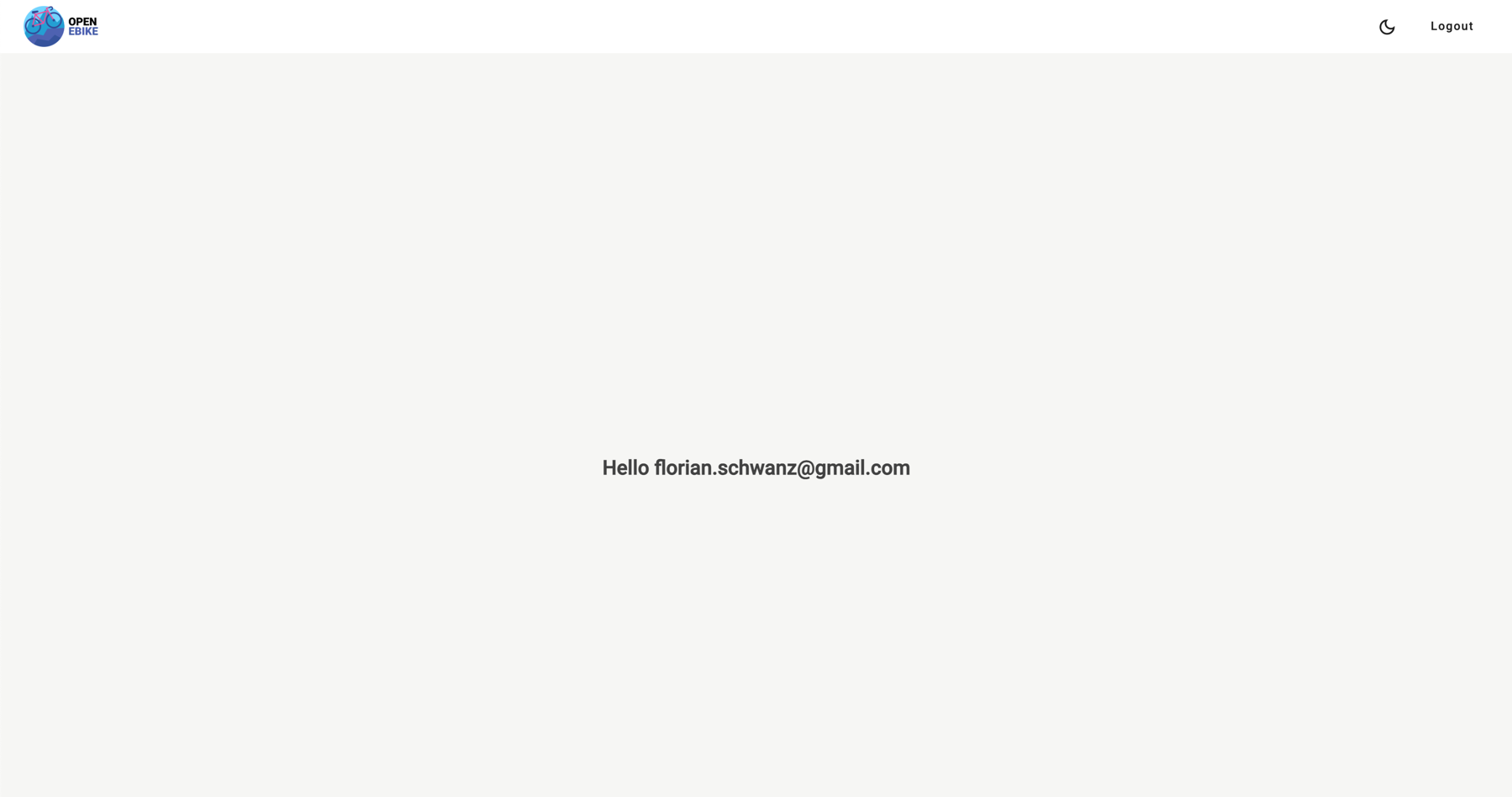
- a user greeting on the home page
After a successful login the user is greeted by their email address.
In the next post we will load and display our first data point.